


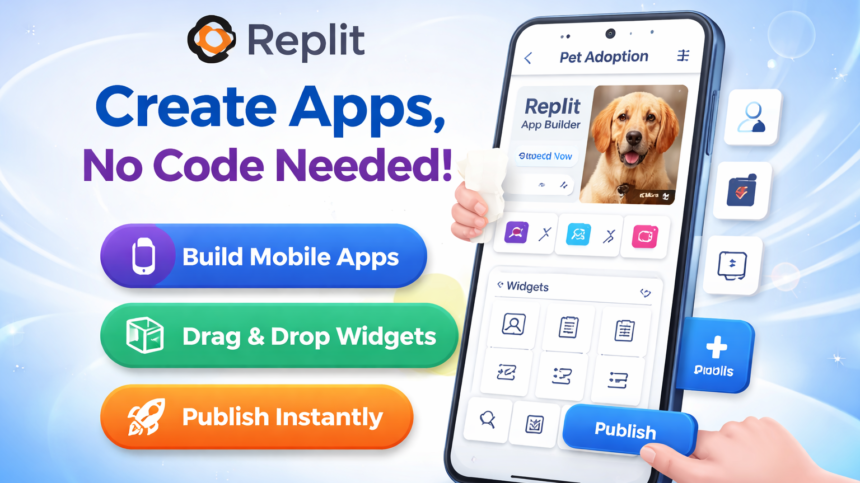
In 2026, realizing the vision of Replit Mobile App Builder is a tangible reality powered by Replit Agents that facilitate the entire lifecycle of development. These autonomous systems manage complex architectural planning, backend logic integration, and seamless deployment to major app stores, allowing creators to bypass the traditional requirement of mastering languages like Java or Kotlin.
Curiosity-Driven Breakdown: The 15-Minute Blueprint
The traditional perception of software creation often creates a barrier where beginners believe they must endure years of academic study before shipping a single product. However, the methodology behind how Replit Mobile App Builder shatters this illusion by utilizing a collaborative AI workforce that acts as your personal engineering team. Link to the Replit Agent product page. For more information you can visit this site Savitimes .
Here are the steps to build and launch your mobile app using Replit’s “Vibe Coding” workflow.
Phase 1: The 5-Minute Build
In this stage, you Replit Mobile App Builder act as the “Product Manager” while the AI acts as the “Engineering Team.”
- Start a New Project: Log in to Replit and click “Create Repl.” In the prompt box, describe your app idea in plain English (e.g., “Build a wellness tracker with a clean UI, a daily habit checklist, and a progress chart”).
- Select “Mobile App”: When Replit asks what type of project you are building, strictly select Mobile App. This tells the Agent to use React Native and Expo instead of a standard web framework.
- The “Plan” Stage: The Agent will first generate a plan. Review it to ensure it includes your must-have features (like a database or user auth). Click “Approve” to start the build.
- Refine with “Vibe Coding”: As the AI writes the code, you’ll see a live preview. If something looks off, just type: “Make the buttons rounded and blue” or “Add a splash screen with a leaf icon.” The AI will update the code in real-time.
Phase 2: The 5-Minute Test (On Your Phone)
You don’t need to wait for a “final” version to see it on a real device for Replit Mobile App Builder
- Install Expo Go: Download the Expo Go app (free) from the App Store or Google Play Store on your physical phone.
- Scan the QR Code: In your Replit Workspace, click the “Preview on mobile device” button. A QR code will appear in the console.
- Live Interaction: Scan the code with your phone camera. The app will open inside Expo Go. Any changes you ask the Agent to make in the Replit chat will hot-reload on your phone instantly.
Phase 3: The 5-Minute Launch
Once you’re happy with the “vibe” of the app, it’s time to make it official.
- One-Click Publish: Click the “Publish” button in the top right of the Replit interface.
- Deploy the Backend: Replit will provision a cloud server for your app’s data and logic. You’ll get a public URL where people can view your app’s landing page.
- Submit to App Stores:
- Replit provides a guided flow to connect your Apple Developer ($99/year) or Google Play ($25 one-time) accounts.
- The Agent will handle the “heavy lifting” like generating certificates and building the native binaries (IPA/APK).
- Select “Submit to App Store” and follow the prompts to send the build to TestFlight (iOS) or Internal Testing (Android).
Pro-Tips for Success
- Keep Prompts Specific: Instead of “Make it look good,” say “Use a dark mode theme with Emerald Green accents and San Francisco typography.”
- Check Your Credits: Replit Agent uses a “metered” credit system. Complex apps or long “Self-Healing” sessions (where the AI fixes its own bugs) will consume your monthly quota faster.
- Database is Built-in: Since you know PostgreSQL, you’ll appreciate that the Agent automatically sets up Replit Postgres if your app needs to save user data.
Quick FAQ
1. Is a high-end PC required? No. Replit Mobile App Builder is cloud-based, meaning any browser and internet connection work. The AI handles the heavy processing for you.
2. Can I update the app later? Yes. Use the “Republishing” feature to add features or fix bugs via chat. Replit Mobile App Builder ensures your live app updates automatically.
3. Does it actually reach the App Store? Absolutely. The “Publish” tool manages technical deployment and guides your Apple/Google Developer account connection, making the Replit Mobile App Builder a professional-grade solution.